
Saving pictures#
save_png writes a picture of your data as a PNG file, from code: the same picture the viewer’s
Export › Full-resolution image writes, pixel for pixel, with the same stretch, colors and
mosaic level matching. No viewer has to be on screen, so it works for a folder of exposures in a
loop, in a script with no notebook, or for a figure you want to make again after the data
changes.
One image#
Give pc.save_png what pc.show takes, and where to write the picture. Settings go with it as
they would go to show: here an asinh stretch through the magma colormap. It returns the path
written.
import pixel_clarity as pc

path = pc.save_png("image.fits", "png/image.png", cmap="magma", scale="asinh", limits="99.5")
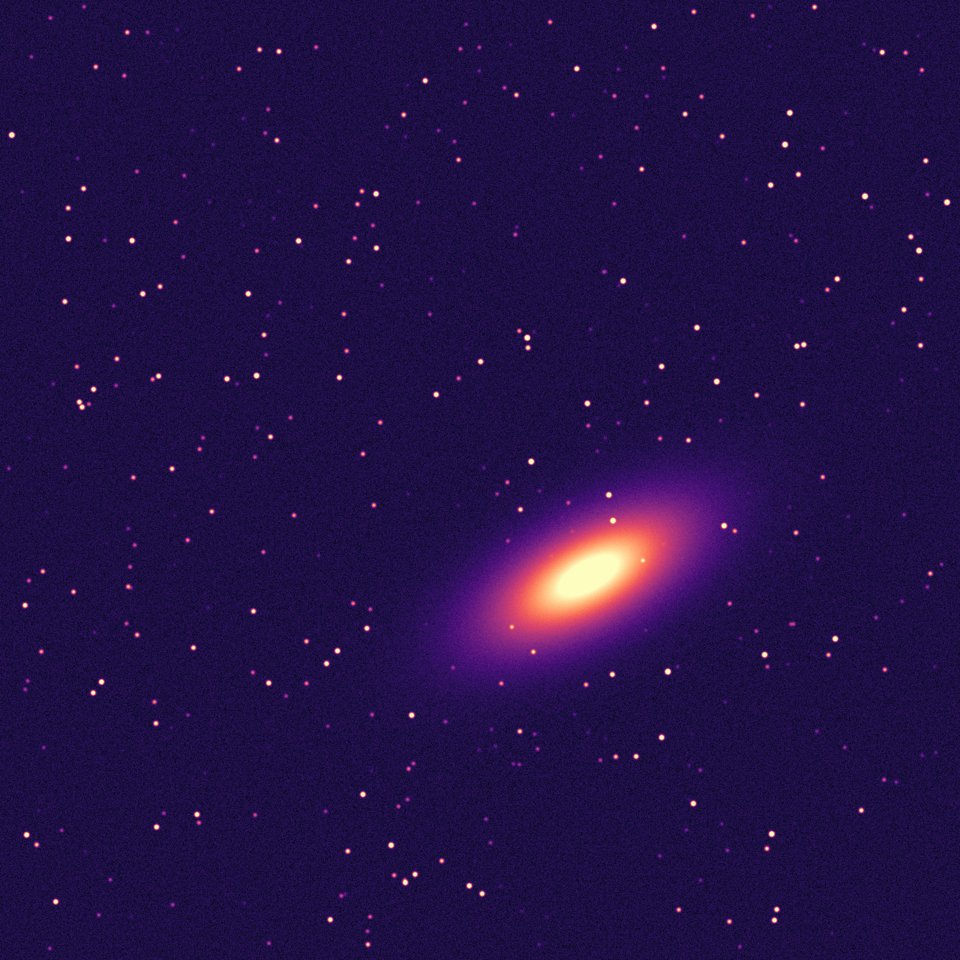
Each output pixel is one pixel of the data, so this one is 1600 × 1600, as the image is. The
folder (png/) is made if it isn’t there, and a file already at the path is replaced; .png is
added if the name doesn’t end in it. Your pc.defaults (and those kept with
pc.save_defaults) apply too, as they do to every viewer.
Size: blocks of pixels#
bin makes the picture smaller by averaging blocks of pixels: bin=4 gives one output pixel for
each 4 × 4 block, a sixteenth of the pixels. Without it, the picture is at full resolution unless
that would be more than 100 megapixels, in which case it takes the finest of 2, 3, 4, 6, 8 and 16
that keeps it under, as the export dialog starts. Here, 1600 × 1600 pixels become 400 × 400.
path = pc.save_png("image.fits", "png/image_small.png", bin=4, scale="asinh", limits="99.5")
Mosaics, color and frames#
Anything a viewer shows, save_png saves the same way. A folder of overlapping tiles is a
mosaic placed on the sky, with its levels matched as match_sky and feather ask (see
Mosaics):
path = pc.save_png("exposure/", "png/exposure.png", match_sky="match", feather=40, scale="asinh", limits="99.5")
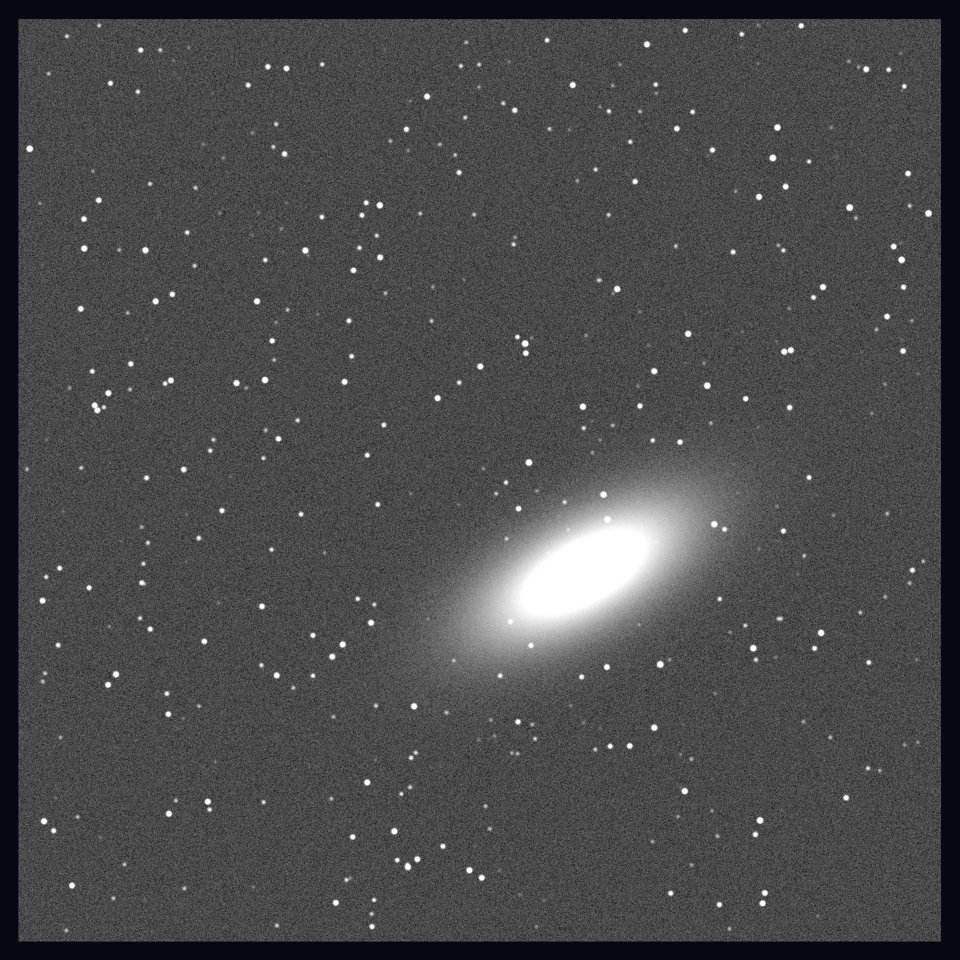
Two or more filters in color, as in Color images: color=True, with groups
naming each file’s filter.
path = pc.save_png(tiles_r + tiles_b, "png/color.png", color=True, groups=["R"] * 4 + ["B"] * 4, auto=True)
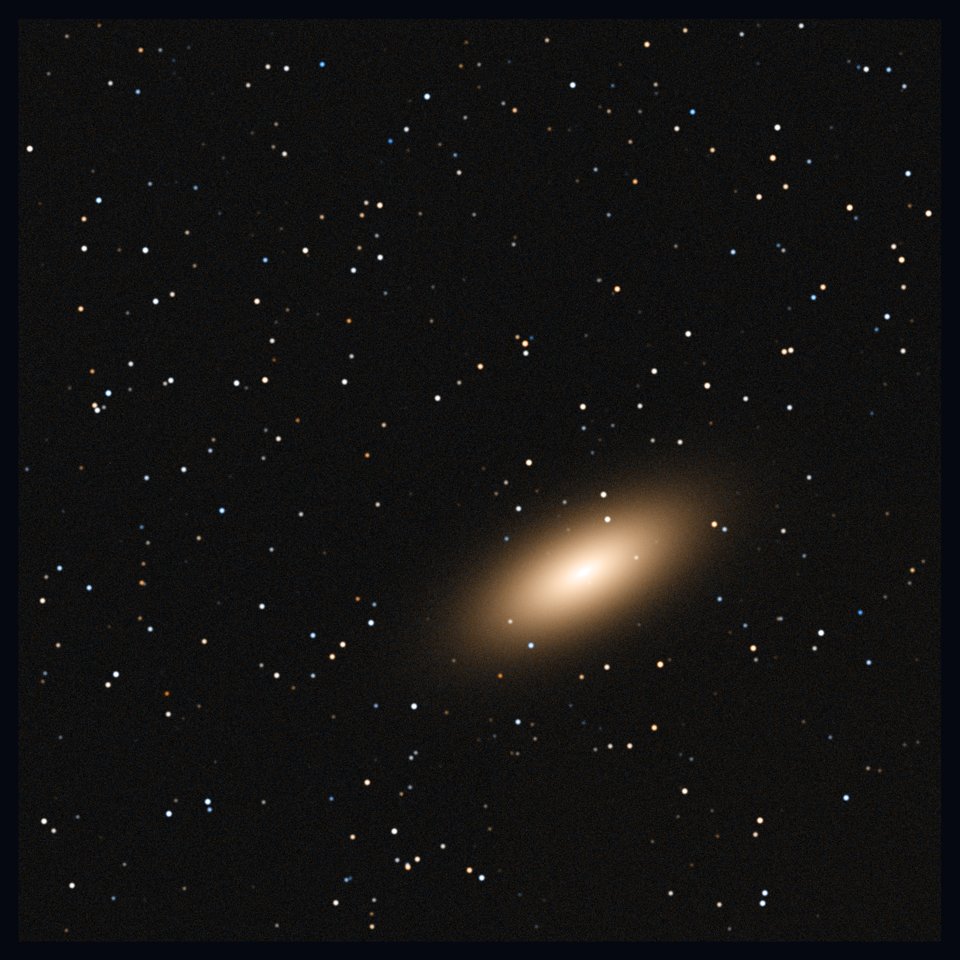
Three images as red, green and blue take kind="rgb". For a stack or a cube, the frame saved is
the one active picks (by default the first), and subtract= saves it less a reference, as in
Frames and blinking. A mosaic opened with blink=True saves the image
active picks.
pc.save_png("frames/", "png/frame5.png", kind="stack", active=5, subtract="previous", cmap="RdBu_r")
path = pc.save_png(["red.fits", "green.fits", "blue.fits"], "png/rgb.png", kind="rgb", auto=True)
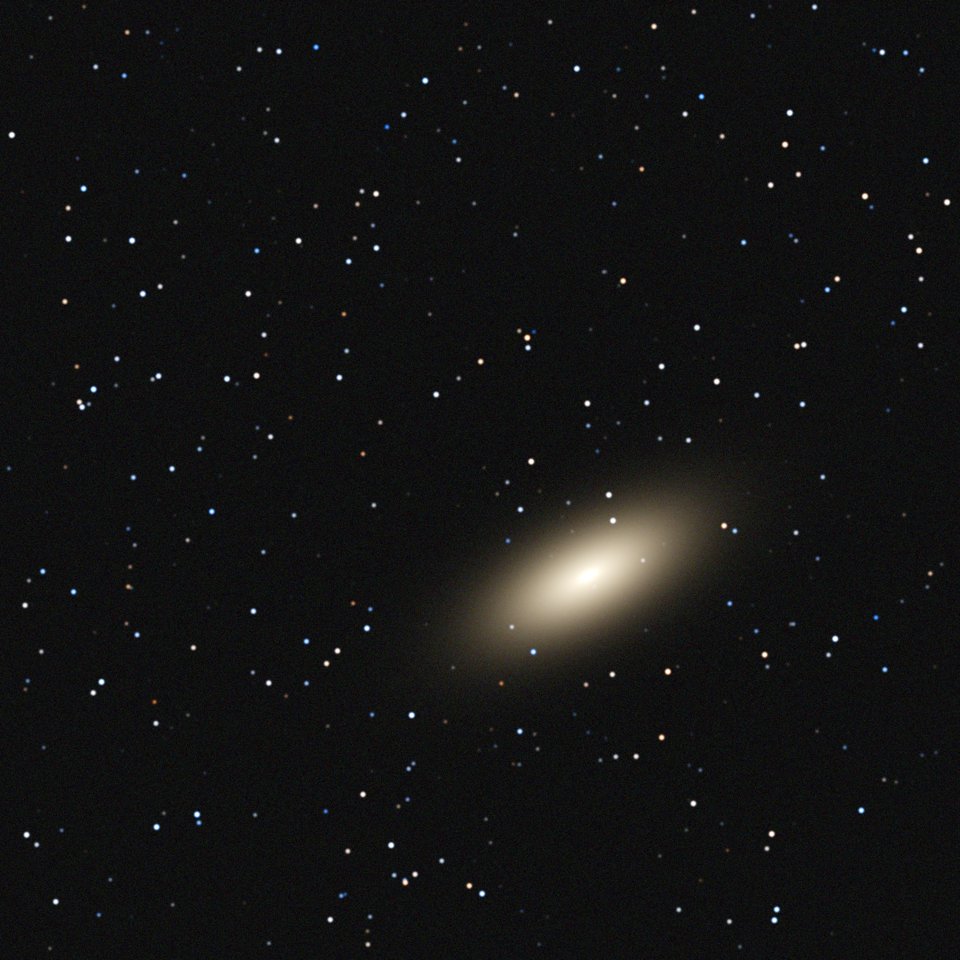
Many files at once#
Each call opens the data, works out the picture, writes it and lets go of the data, so a loop over hundreds of files keeps the same memory throughout; most of the time goes to reading the files. Here, one PNG for each folder of tiles (the sample has one folder per filter):
from pathlib import Path

for folder in sorted(p for p in Path(".").glob("F*") if p.is_dir()):
    path = pc.save_png(folder, f"png/{folder.name}.png", bin=2, scale="asinh", limits="99.5")
    print("saved", path.name)
saved F1.png
saved F2.png
saved F3.png
The same works in a plain Python script, with no notebook: pc.save_png needs no browser.
As a viewer shows it#
When you’ve adjusted a view by hand (a stretch tried until it looked right, the mosaic’s levels
trimmed, the view turned or cropped), save it from the viewer itself. save_png on a viewer
saves the view as it was last left in the browser:
v = pc.mosaic("exposure/", scale="asinh", limits="99.5")
# ... adjust it in the viewer ...
path = v.save_png("png/as_shown.png")
Call it on the viewer object, whatever pc.show or pc.mosaic returned (v here; in a
notebook that shows a viewer for you, the object that holds it). pc.save_png itself always
opens the data it’s given: pc.save_png(".", "x.png") would save the images in the current folder,
so it refuses to write into a folder it reads.
area="crop" saves only the crop drawn with the crop tool. A turned view is saved turned, as the
export dialog saves it. A pop-up window has the same save_png.
The same look for other data#
A viewer’s state is the look you gave it. Pass it as state= to save other data the same way:
the next night, another exposure of the same field, or every file of a series. Keep it in a
file to use it again in a later session.
import json

json.dump(v.state, open("look.json", "w"))

look = json.load(open("look.json"))
path = pc.save_png("exposure/", "png/again.png", state=look)
A state carries the whole look, so settings given as keywords with it don’t change the picture.
What the picture holds#
The PNG is the image itself, stretched and colored as the view shows it, with transparent pixels
where there is no data. Its metadata carries the color settings, so the stretch and colormap can
be read back and the picture made again. Regions, text, arrows and a colorbar aren’t drawn by
save_png: the export dialog draws them on its Full-resolution image tab, and its Figure tab
makes a figure for a paper or a talk, with axes, a colorbar and a compass.