
What’s new#
Version 0.9 (29 October 2026) saves pictures from code: pc.save_png writes the PNG the export
dialog would, without a viewer, for a folder of exposures or a script. It also brings the viewer
of Pixel Clarity 1.10, with figures for papers and talks and Load all for huge images. Every
version’s notes are in the changelog; version 0.8 brought frame subtraction.
Saving pictures from code#
pc.save_png takes what pc.show takes, and a path. The picture is the one Export ›
Full-resolution image writes, pixel for pixel: the same stretch, colors and, for a mosaic, the
same level matching, worked out from the data where it is. No viewer needs to be on screen, so a
loop saves a whole folder of exposures.
import pixel_clarity as pc

path = pc.save_png("exposure/", "png/exposure.png", match_sky="match", scale="asinh", limits="99.5", bin=2)
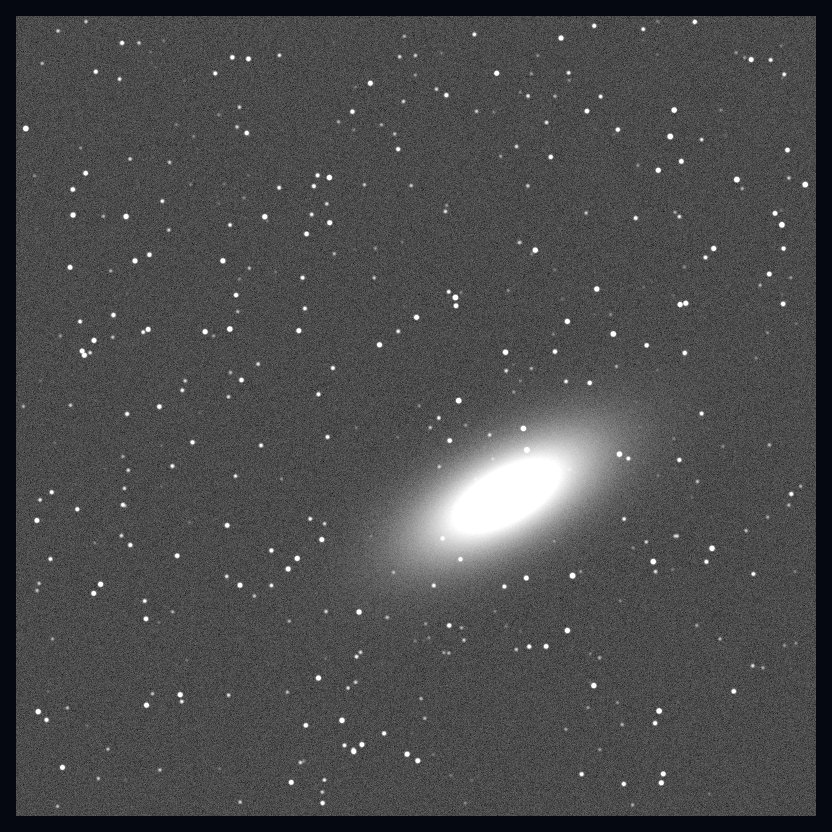
A viewer’s own save_png saves the view as you left it in the browser (stretched, trimmed,
turned or cropped), and state= gives other data that look. Everything it can do is in
Saving pictures.
Figures for papers and talks#
The export dialog now opens on Figure: the view as a publication figure, sized for a journal’s column or a slide and previewed at true size. Axes go outside the image (right ascension and declination, offsets from the center, pixel numbers, or a scale you type from a pixel you pick), the colorbar is an axis of its own, and a compass and scale bar go on the image. Regions, text, arrows, contours and a coordinate grid go in as vector marks. It saves a PDF with its fonts embedded, or a PNG at the dpi you choose, next to the notebook. The full-resolution picture is the dialog’s second tab, also right-click › Export full-resolution image….
Load all#
For a huge image (a large mosaic, a HiPS, a big FITS file), right-click › Load all… brings the whole image into the view, nearest the view and coarsest first, down to full resolution or a coarser level. It says what each depth needs in memory before it starts, shows its progress and the time left, and can be stopped or released. After that, panning and zooming never wait.
Smaller things#
Writing a shared page or an export shows one progress line for the whole job, with the time left, instead of each step of each file counting from 0 to 100%.
What is this?, the catalogs and the SIMBAD layer say so when a web page comes back in place of SIMBAD’s or VizieR’s data (a proxy or sign-in page on the network, or the service down).
Tiles outside the data (the empty parts of a sparse mosaic) no longer take memory in the browser.